Page-turn clickers are a real category: Kobo even sells an official remote so you can turn pages without poking the screen all the time. The official remote was out of stock when I thought of getting one, and the price was a bit on the higher end. So I thought of an interesting alternative: emulate the same thing with an ESP32 module, but with no hacks on the reader itself.
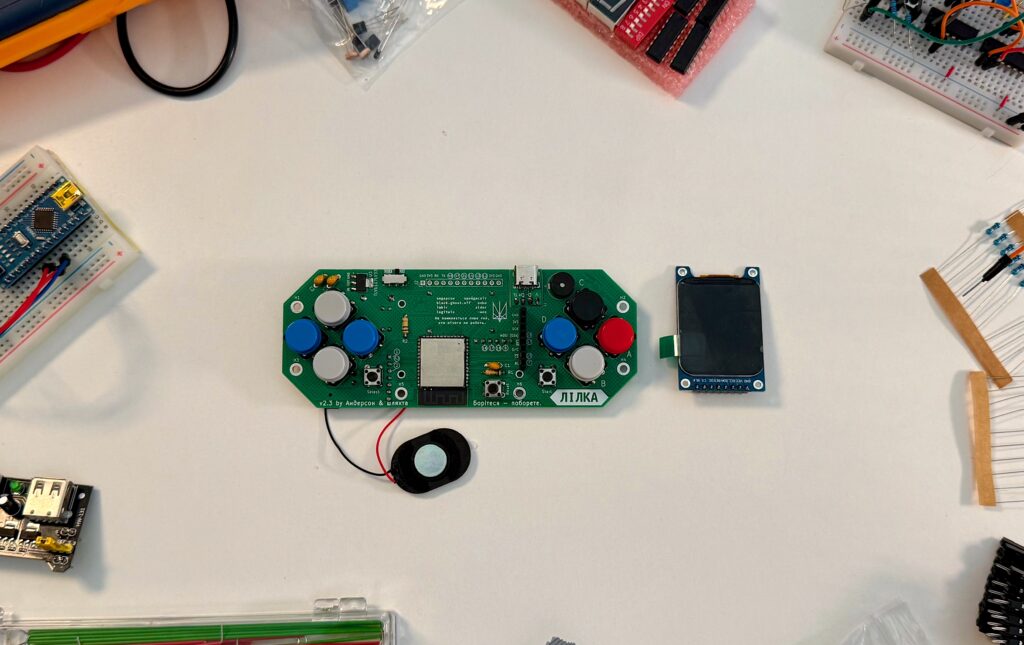
Lilka was the perfect excuse to actually build it. A dear friend gave me this little ESP32-based device as a gift, and it immediately earned a spot on my desk: a small IPS screen for debugging, a few physical buttons already wired to GPIO, and just enough compute to do interesting things. And it looks slick!
1. Make Lilka act as a Bluetooth keyboard
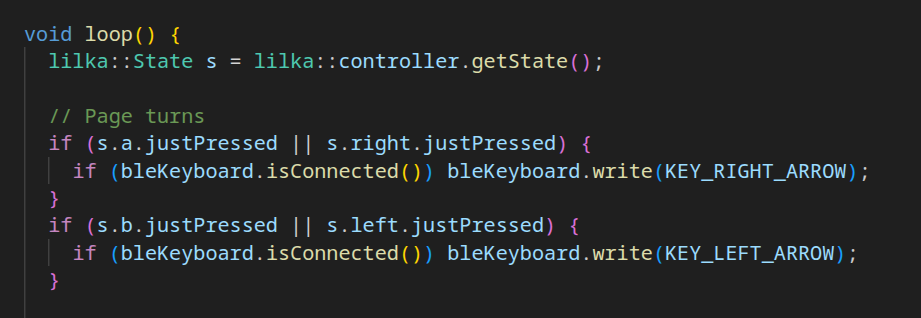
The idea is simple: the device advertises as a BLE HID keyboard and “types” a keypress when a button is pressed.
It is possible to implement the page-turner on Lilka because it is built around an ESP32-S3 WROOM module (data sheet):
- BLE is built in. The ESP32-S3 has native Bluetooth Low Energy support, and Espressif’s SDKs (ESP-IDF / Arduino core) expose ready-to-use BLE APIs.
So “pretend to be a BLE keyboard (HID)” is a well-supported supported case. - Enough RAM/flash to run BLE reliably: BLE is a whole protocol stack plus GATT/HID services. The WROOM module typically comes with substantial onboard flash and the chip has enough RAM/CPU to keep the BLE stack stable while we run the app logic.
- The WROOM module hides RF pain: it is a pre-packaged, RF-ready module (chip + flash + antenna/RF matching, usually already certified). Without that, we’d be designing a radio front-end and antenna behavior into the PCB, which is where hobby this project would have died (for me 😅).
- Tooling is mature: PlatformIO and the ESP32 ecosystem makes compiling/flashing/iterating fast.
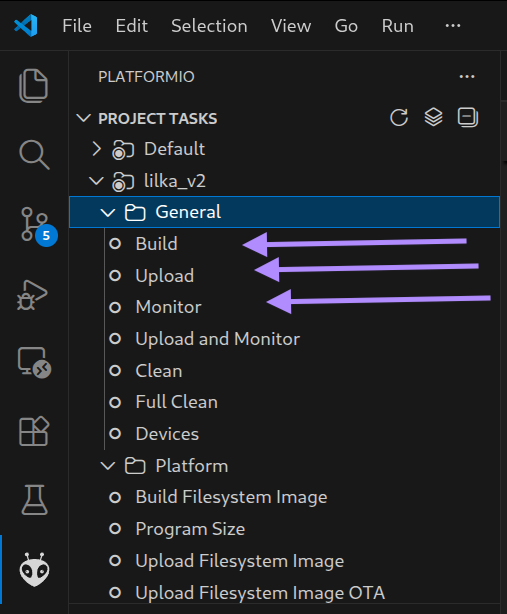
Those are literally 3 buttons invscode:
2. Debug BLE on Debian before the Kobo reader
Before testing with the reader, I used a Debian laptop as a controlled test environment: pair Lilka, confirm it behaves like a keyboard, and verify that button presses result in actual key events. This step isolates the ESP32 firmware issues from Kobo-specific quirks.
Bluetooth pairing was failing at first, in ways that looked like “authentication problems” but were really stale state on one side (or both). I fixed it by removing the device, re-pairing cleanly, and rebooting when the stack got stuck (say that 5 times).
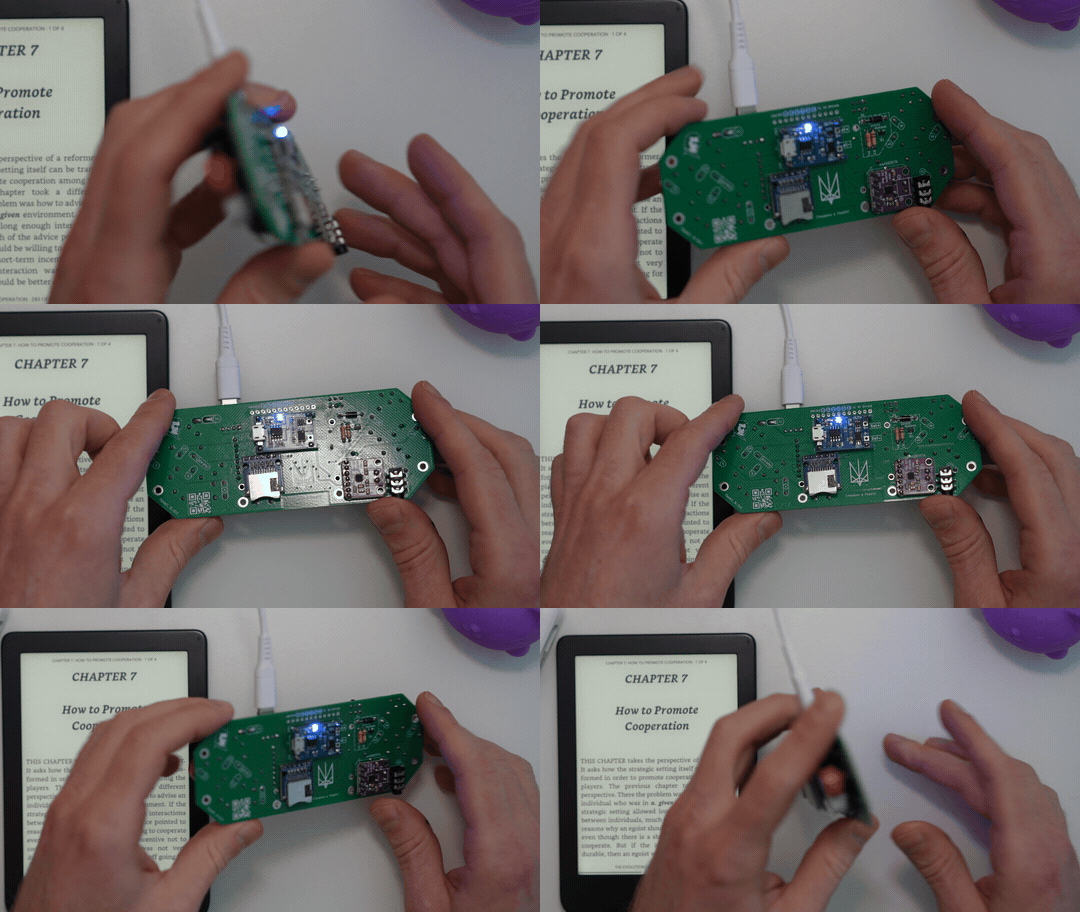
Here’s how to pair and connect to a ESP32 bluetooth device on a Debian-like system.
Start bluetoothctl and do the following:
power on
agent NoInputNoOutput // (no PIN / no UI)
default-agent
scan on
pair [ESP32 BT MAC]
trust [ESP32 BT MAC]
connect [ESP32 BT MAC]
scan off
3. Test with the Kobo Clara 2E
Once Lilka reliably behaved like a keyboard on the laptop, the Kobo test was straightforward: pair it, see if the button mapping to page-turn works, and check that the reader accepts them consistently.
Building and uploading the firmware with PlatformIO was painless, which made iteration fast: tweak keycodes, adjust connection behavior, reflash, and test again.
While launching the firmware from KeiraOS, I hit an annoying pattern: the device could get stuck in a reboot loop or behave inconsistently right after switching. A full power cycle fixed it, and after that the page-turner was stable. I didn’t dig deeper because the reboot was deterministic and good enough for this project. But truly I just wanted to see the result already 😉
Video demo
At this stage the “product” is simple:
- turn on Bluetooth on the e-reader
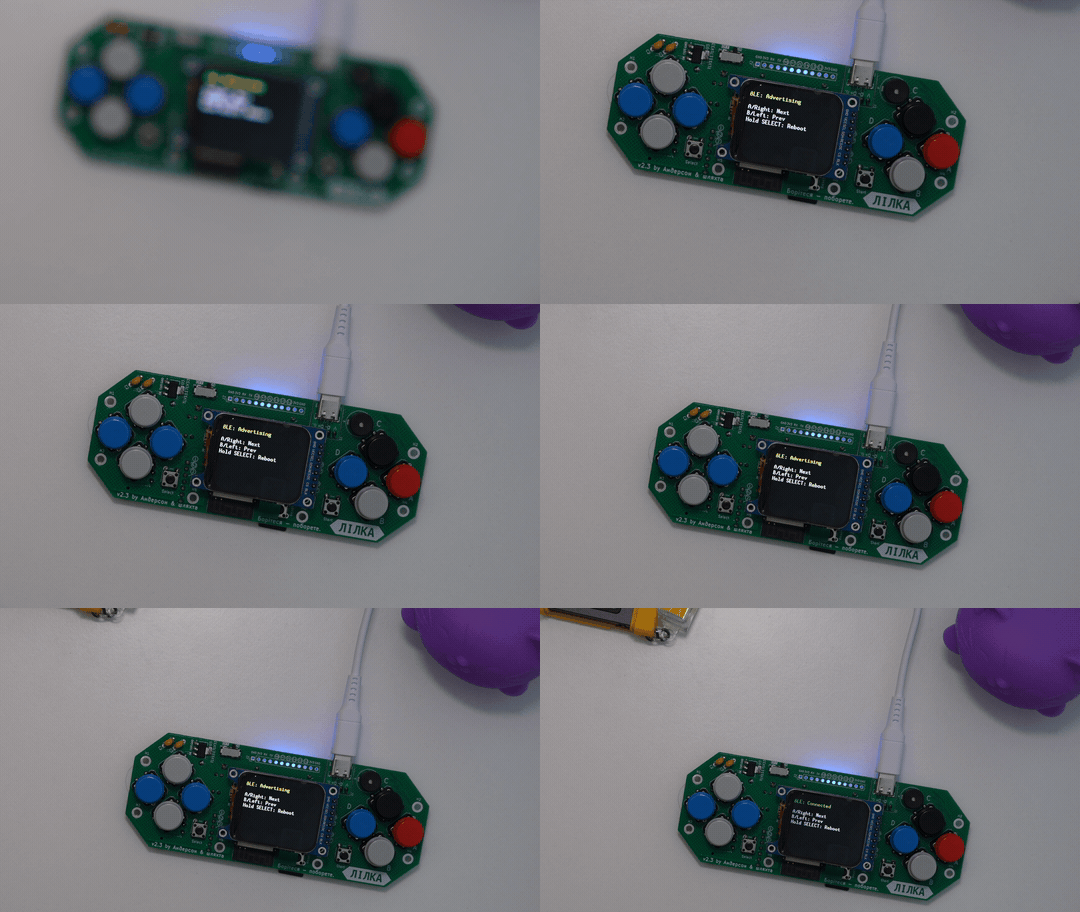
- see the green “
Connected” line on the small screen - press a physical forward/backward button
- see a page turn
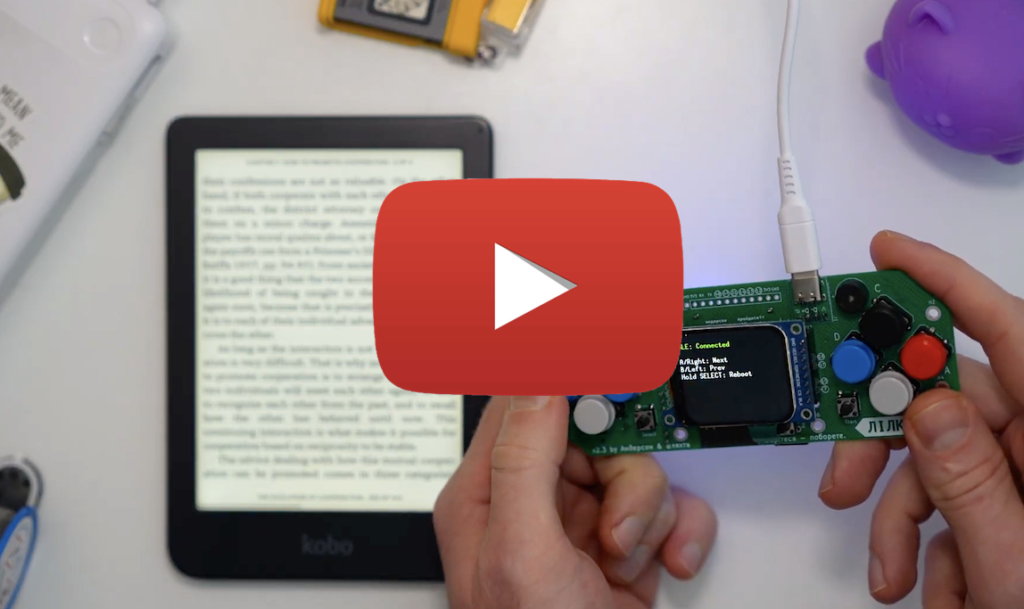
Watch the demo on Youtube:
Project code
I wrapped up the project by cleaning the repo, documenting the key choices (BLE HID, key mapping, some troubleshooting notes). It is available on Github here.
How to get it running
Build the firmware with PlatformIO:pio run
Upload to a connected board:pio run -t upload
Open the serial monitor:pio device monitor
Alternatively, use the UI of the vscode add-on called PlatformIO. See the README for mode details.
Issues and solutions
Below are some issues I saw while working on the project.
- Issue: Lilka pairs but doesn’t behave like a usable input device – “paired, but nothing happens”.
Debugging: Checked whether the HID keyboard profile was actually active, then tried to observe key events on a laptop to confirm Lilka is sending anything at all.
Solution: “Forget device” on the Kobo and re-pair. Power-cycle Lilka to reset Bluetooth state.
- Issue: After launching
page_turner.binfrom SD (KeiraOS flow), Bluetooth is unstable on first boot
Debugging: compared behavior between (a) immediately after selecting the.binand (b) after a full power cycle.
Solution: Turn Lilka off/on once after loading the firmware. Subsequent boots were consistently stable.
- Issue: Debian
evtestdoesn’t show Lilka as an input device (no new/dev/input/event*)
Debugging: ranevtestexpecting a new keyboard entry, then confirmed it wasn’t appearing even though pairing looked “kind of done”.
Solution: Reconnect/re-pair until the HID service is fully recognized. Only then does an input node typically appear andevtestbecomes useful.
Other options for hardware
This project isn’t Lilka-specific. It works on any board that can act as a BLE HID keyboard.
Arduino Nano 33 BLE (nRF52840)with built-in BLE it is a common choice with “Arduino-style” tooling.Adafruit Feather nRF52840 Express (Adafruit #4062)− similar MCU, Feather ecosystem, and designed with battery-powered projects in mind.Seeed Studio XIAO nRF52840 / Sense− very small, BLE-capable, and includes a battery charging chip, which is convenient for a handheld remote.- Any
ESP32 with BLE− if you’re already set up with ESP-IDF/Arduino on ESP32, this may be the quickest path.
And a trade-off: smaller boards can be nicer to carry around, but you usually lose the “product-like” integration. You’d still need to sort out buttons (wiring + placement) and power (battery, charging/protection, and an on/off solution).
Summary
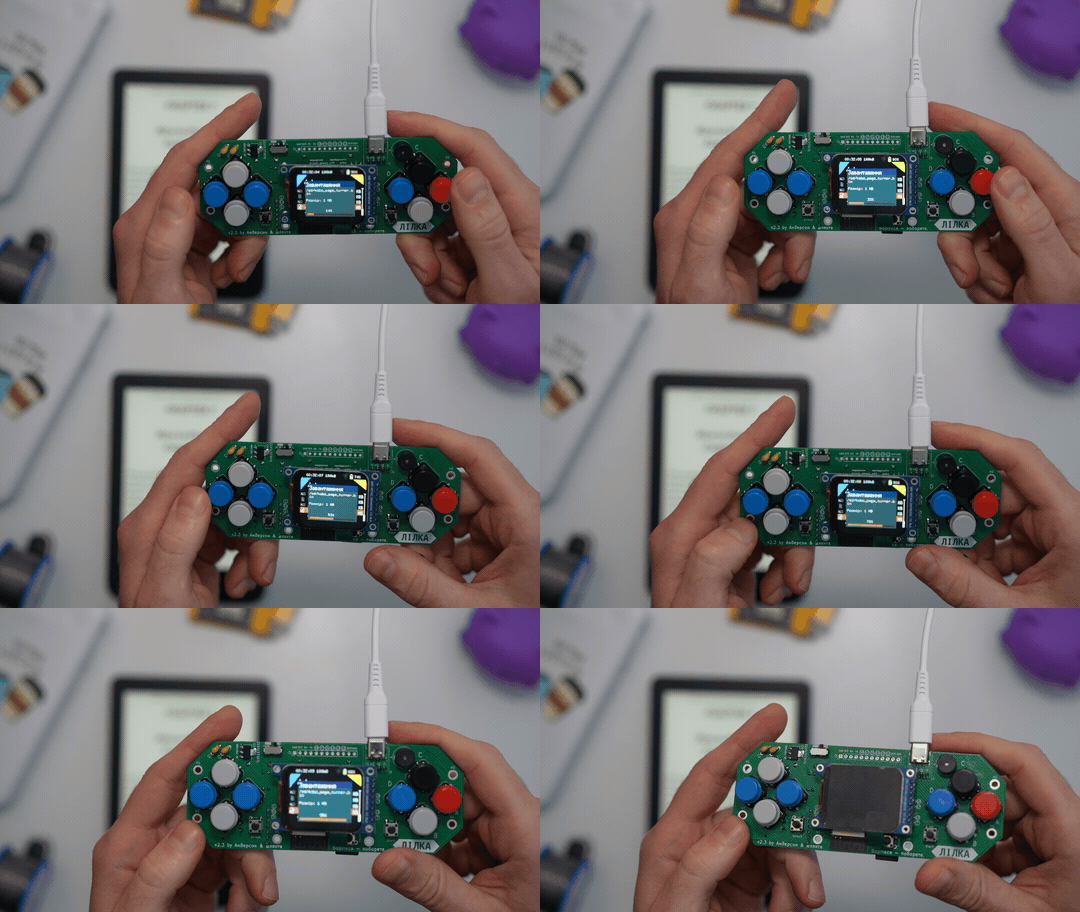
The result with Lilka is great: the connection is stable and reliable, and page turns even feel faster with the new remote 😎
It’s also a bit bulky for carrying around, especially once you add a LiPo battery and a nice case. You can build the same idea on a smaller ESP32 board though, but see the trade-off above. With Lilka, I was happy not to think about any of that and focus on getting the Bluetooth part working – and let Future Me deal with the “where do I put this battery?” decisions.
Thanks for reading, and happy hacking!